Trident Survey · Crew training
Crew training · After the survey

A crew in full command of its own systems.

The Trident survey shows exactly what is installed on board. We turn it into a training programme built for your vessel: by domain, by role, on the actual equipment — so the crew gains autonomy and simple faults get fixed without waiting for a technician.

4domains covered
2–6people per session
FR · ENbilingual delivery
Why train after the survey

The right moment to hand over

Crew rotations erase the vessel's technical memory. After the survey we know exactly which equipment, versions and interconnections are in place — so the training covers your installation, not a generic catalogue.
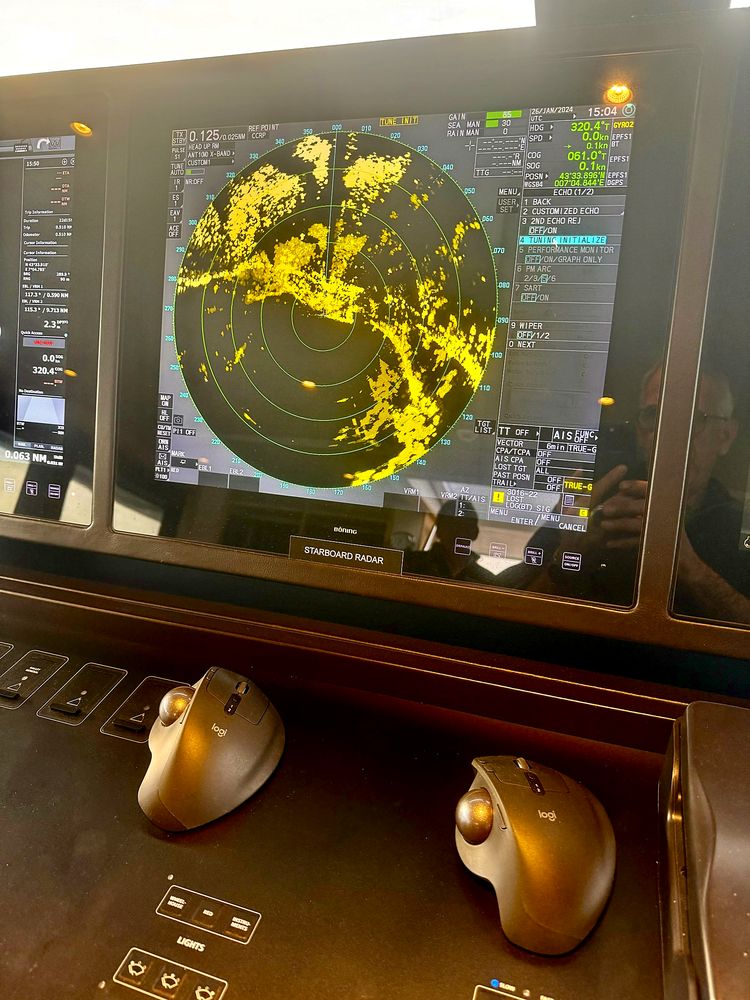
On the vessel's own equipment, not on a simulator.
01

Autonomy

Diagnose and resolve first-line faults without tying up the vessel.

02

Safety

Make full use of radar, AIS, alarms and CCTV, underway and at anchor.

03

Continuity

Hand over documented know-how at every crew change.

04

Guest experience

Automation, Wi-Fi and screens that work — and a crew that knows how to bring them back.

Tailored training

A programme built around your vessel

Based on the survey findings, we agree with the captain who needs to know what: deck officers, ETO, chief engineer, interior team. Each domain has its own training path.

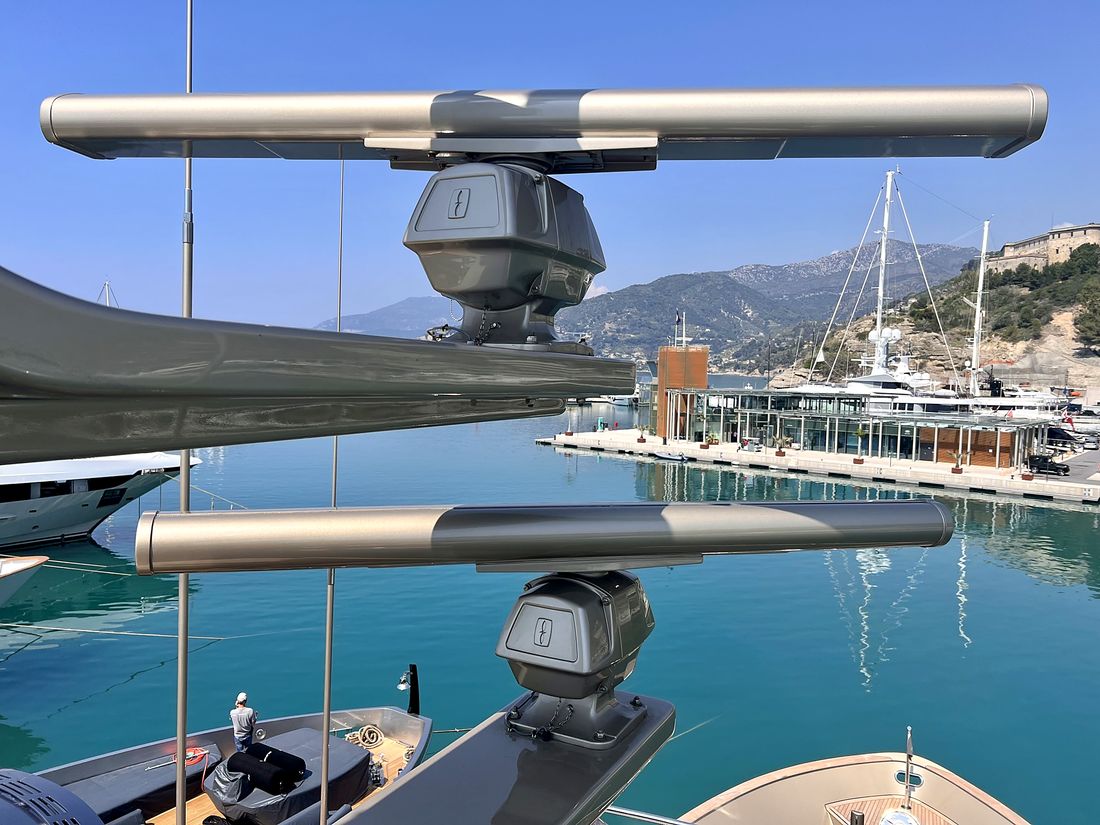
Radar antennas on the mast Domain 1

Navigation & Communication

For: Captain, deck officers

  • Radar / ARPA settings and operation, AIS overlay
  • Navigation software, routes, alarms and autopilot
  • NMEA network: source checks, common faults, restart
Lead expert: Laurent Conso
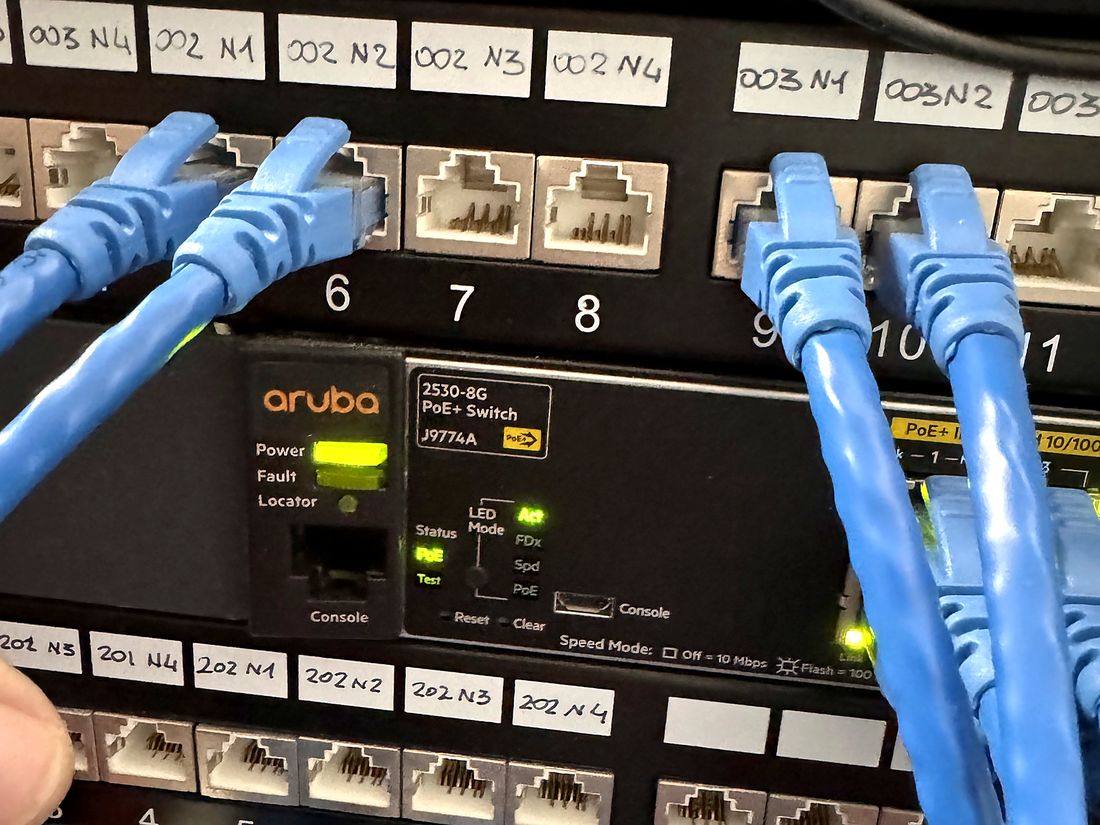
Network switch and patch panel Domain 2

IT & Connectivity

For: Captain, ETO, purser

  • Switching between Starlink, 4G/5G and VSAT, data plan monitoring
  • Crew and guest Wi-Fi, orderly restart, basic diagnostics
  • Backups, passwords and cyber good practice
Lead expert: Franck Lamberet
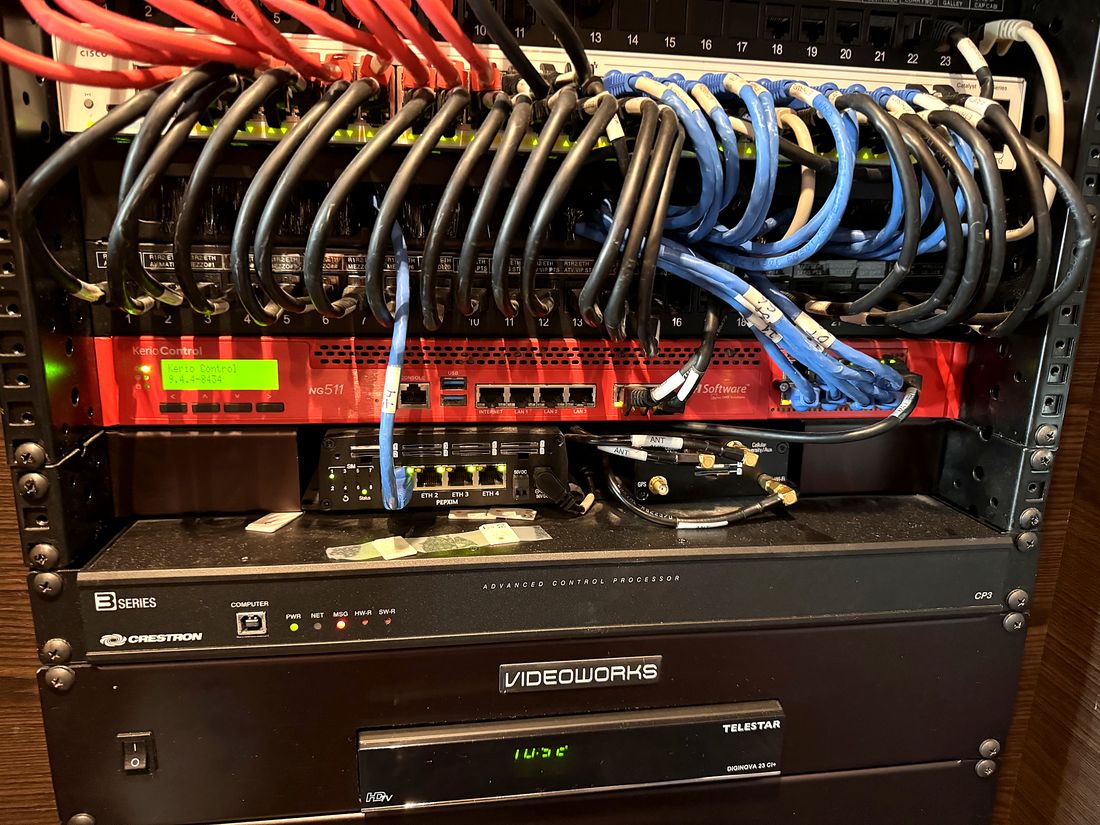
Audio-visual and automation rack Domain 3

Audio-Visual & Automation

For: ETO, interior team

  • Driving scenes, sources and zones from the control interfaces
  • Bringing TV / satellite sources and screens back online
  • Simple checks before calling support
Lead expert: Benjamin Charron
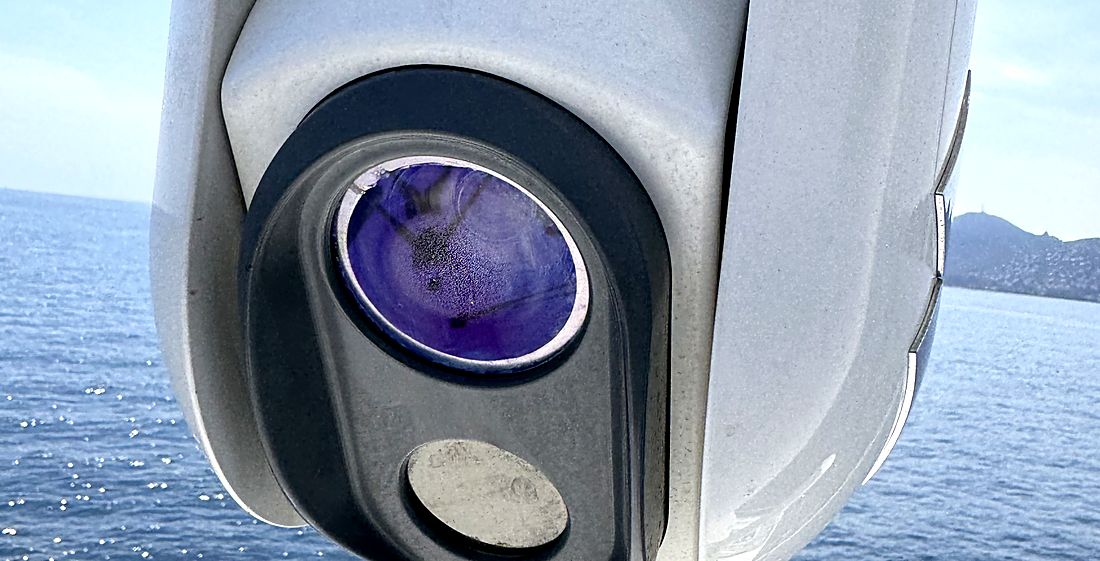
PTZ security camera on board Domain 4

CCTV, Access Control & Security

For: Captain, officers, ETO

  • Operating the NVR: searching and exporting footage
  • Managing badges and access rights
  • Alarms, intrusion detection and remote monitoring
Lead expert: Benjamin Charron
What the crew receives

Training that stays on board

Every session leaves practical material behind, matched to the vessel's actual installation.

Quick-reference cards

One card per key system: start-up, essential settings, what to do when it fails. Kept on the bridge or in the technical space.

First-line procedures

Simple troubleshooting trees for the most frequent faults, based on the vessel's survey.

Training material

Session content delivered in digital format, ready to add to the onboard documentation.

Hands-on practice

Exercises on the actual equipment, in port or at anchor, in small groups.

Certificate of attendance

A named certificate for each participant, stating content and duration.

Refresher sessions

A short session at each crew change or after a system upgrade.

Standard modules

Off-the-shelf modules, ready to schedule

For a fast skills upgrade on the technologies most often found on board, with or without a prior survey. Each module runs on board or in a classroom and is adapted to the group's level.

Navigation

NMEA 2000 networks

Duration: 1 dayAudience: Officers, ETO, engineers
  • Architecture: backbone, drops, terminators, power and LEN
  • Adding a device, sources and instances, NMEA 0183 gateways
  • Troubleshooting with a bus analyser, typical faults
Navigation

Furuno radar: operation and settings

Duration: ½ to 1 dayAudience: Captain, deck officers
  • Gain, sea and rain settings, range selection
  • ARPA, AIS and guard zones
  • Reading the picture in coastal and night navigation
  • Routine checks of antenna and display
Navigation

TimeZero Professional

Duration: 1 dayAudience: Captain, deck officers
  • Interface, workspaces and charts
  • Routes, waypoints and passage preparation
  • Radar, AIS, sounder and sensor integration
  • Weather, routing and data backup
IT

Networking basics: routers, switches, VLANs

Duration: 1 dayAudience: ETO, captain, purser
  • IP addressing, DHCP, DNS: the fundamentals
  • Routers, switches and VLAN segmentation: navigation, crew, guests
  • Wi-Fi: coverage, SSIDs and security
  • Troubleshooting: ping, traceroute, LEDs and logs
IT

Connectivity: Starlink, 4G/5G, VSAT

Duration: ½ dayAudience: Captain, ETO
  • How each link works and its limits
  • Load balancing and automatic failover
  • Monitoring usage and data plans
  • Diagnosing a loss of connectivity
IT

Cyber security on board: the essentials

Duration: ½ dayAudience: Whole crew
  • Common threats: phishing, USB keys, open networks
  • Passwords, accounts and updates
  • Network separation and backups
  • What to do when an incident occurs
AV

Automation & audio-visual: getting started

Duration: ½ dayAudience: ETO, interior team
  • Control interfaces: scenes, lighting, climate
  • TV, satellite and multi-zone distribution
  • Orderly restart and first checks
Security

CCTV & access control

Duration: ½ dayAudience: Officers, ETO
  • NVR: playback, search and export
  • PTZ and thermal cameras: uses and settings
  • Badges, readers and access rights

Navigation modules are familiarisation courses: they do not replace the regulatory training (STCW, GMDSS) required for certificates of competency.

Formats & organisation

Sessions of 2 to 6 people, on board or in a classroom, in English or French. Ideally in winter or before the season, around crew changes. Programme and price on quotation, depending on the number of participants, modules and location.

Tailored after the survey Standard modules On board or classroom EN · FR Refresher
Contact

At your service

Tell us about the vessel, the crew involved and the modules you're interested in — we'll come back to you promptly with a programme.

info@tridentsurvey.fr